Image Statement Block
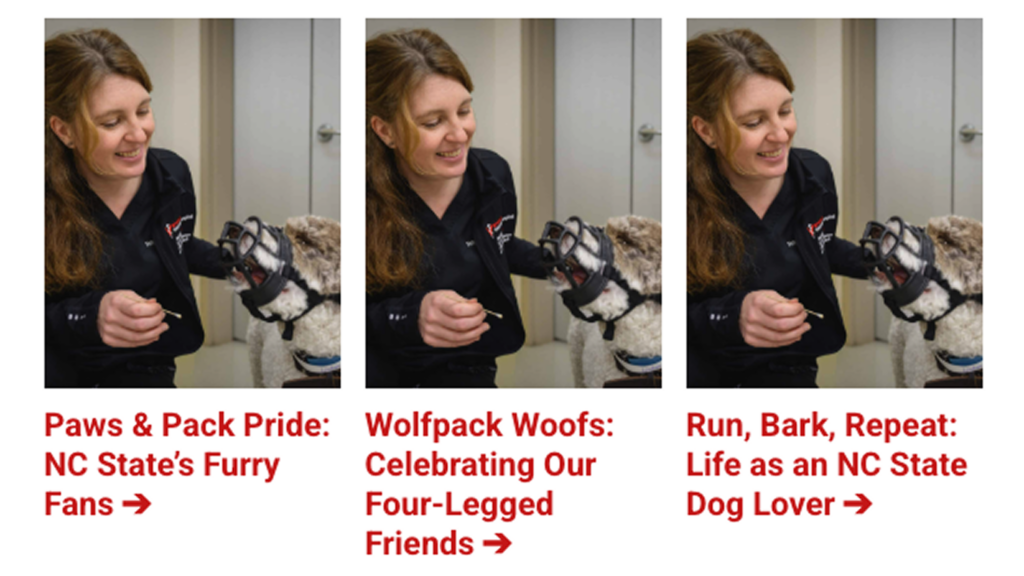
The Email Builder Image Statement block uses images paired with eye-catching text to send a strong visual message. This block allows for three image statement cards.
Settings
To edit a block’s settings, click on it and select the “Switch to Edit” pencil icon, or open the “Settings” panel, found next to “Publish.”
In this block’s settings, you can make the following changes to the left, center and right cards:
- Update the Image (must be 1200 x 1500 pixels)
- Update the image alt text
- Update the call-to-action text
- Update the URL