RSS Block
This easy to use block allows content maintainers to easily embed content from RSS feeds by simply copying and pasting in the URL of their favorite RSS source. Share numerous stories from outside sources (like the CNN news RSS feed provided in the example below) directly on pages with only a few clicks.
Add an RSS Feed
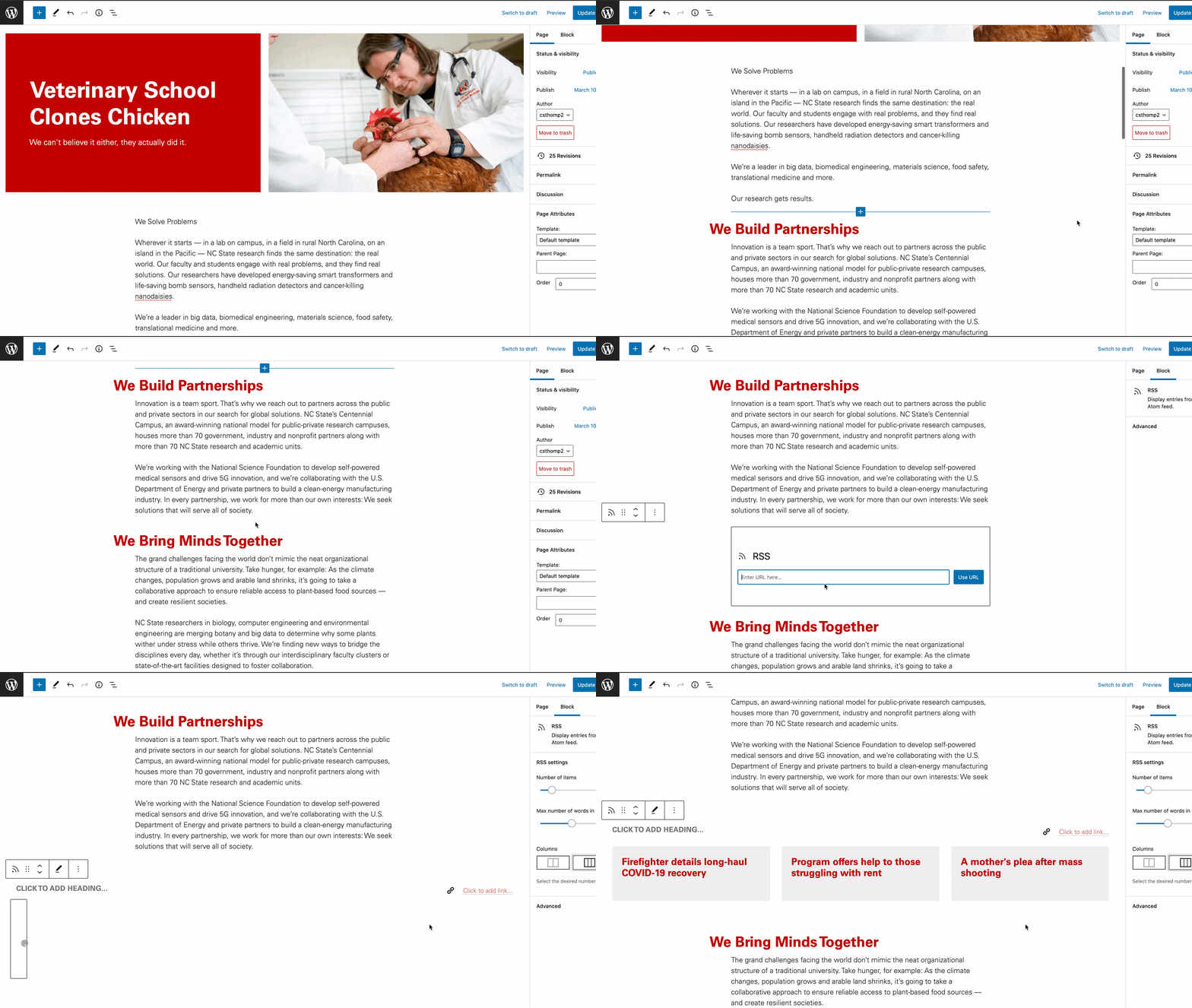
- Click the blue arrow within a page or in the top of left of the editor and search for the RSS feed.
- Select the RSS block.
- Input the RSS feed URL and click Use URL
Customize Feeds
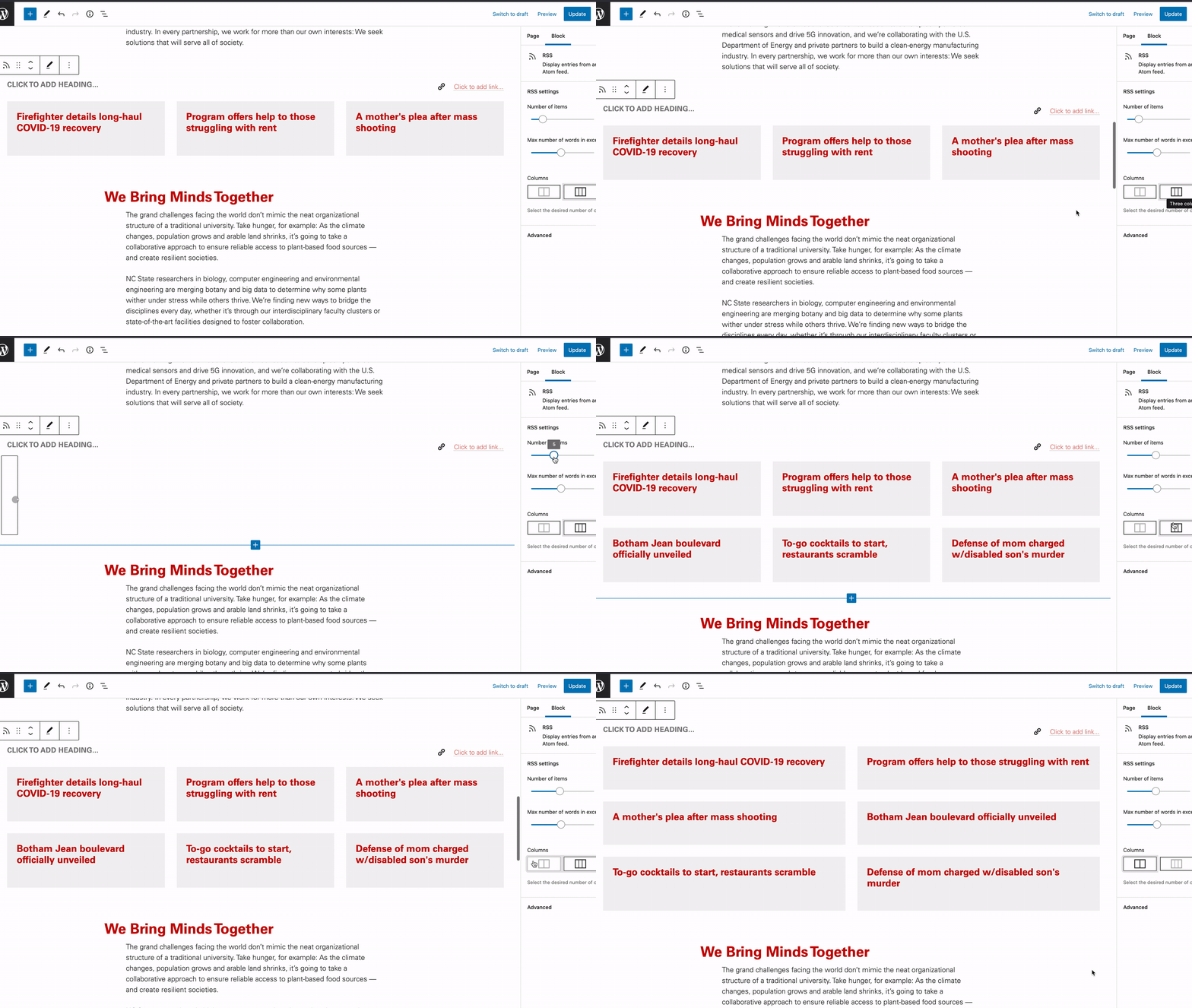
After adding an RSS block to a page it can be further customized. Display stories in a two or three column format while also adjusting the total number of items that are brought in from the RSS feed along with the number of words that show up in each content card.
- Navigate to the block settings on the right side of the page
- Drag to select number of items and max number of words in excerpt
- Select the number of columns