
Blocks

Button

The Button block is effective in grabbing a reader's attention at the end of paragraph or story.

Categories:
Calls to Action, Landing Page Builder, Page (Free), Page (Premium), Page (Pro), Post (Free), Post (Premium), Post (Pro)

Button Spotlight

Provides a visually engaging way to highlight a call-to-action (CTA).

Categories:
Calls to Action, Page (Free), Page (Premium), Page (Pro)
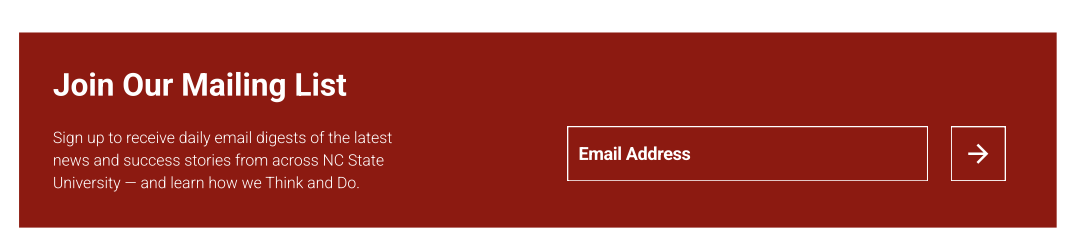
Email Signup

Offers a way for to intake user emails while having the visual appeal of an easy to use, stylish block.

Categories:
Calls to Action, Page (Premium), Page (Pro), Post (Premium), Post (Pro)
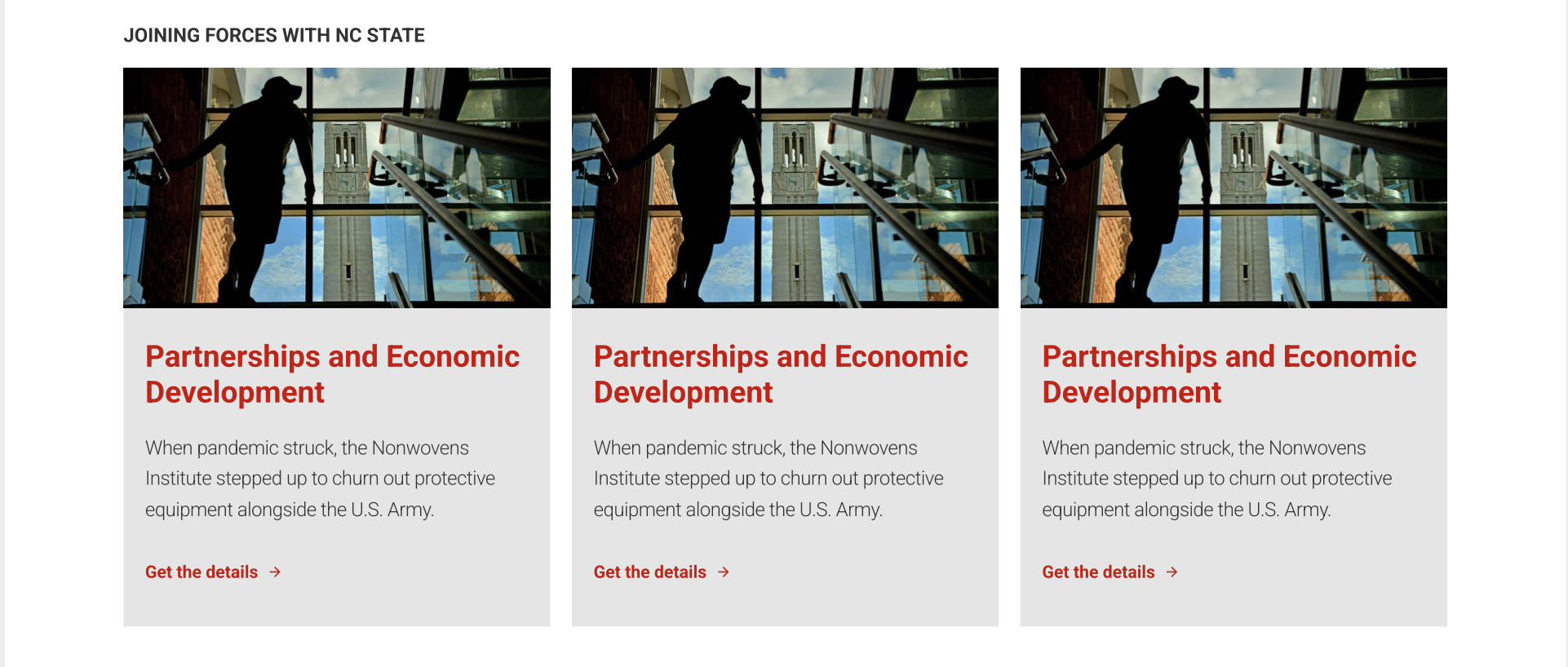
Featured Content

The Featured Content block is a useful tool for pointing users towards important, and sometimes timely, pages and stories across a site.

Categories:
Calls to Action, Landing Page Builder, Page (Free), Page (Premium), Page (Pro)

Highlight

One of the most flexible blocks within posts, the Highlight block allows an author to link out to related stories, supplemental information and resources, or other online resources such as an event RSVP.

Categories:
Calls to Action, Post (Premium), Post (Pro)
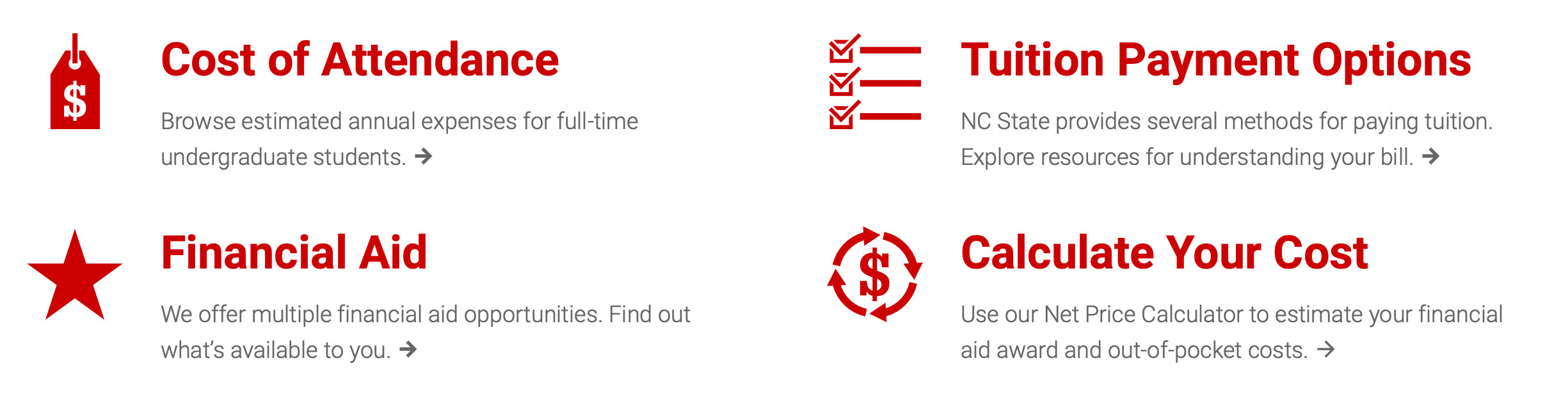
Icon Links

The Icon Links block allows content maintainers to build out a grid of related links that help catch a reader's attention via a spot illustration and custom headers.

Categories:
Calls to Action, Landing Page Builder, Page (Premium), Page (Pro)
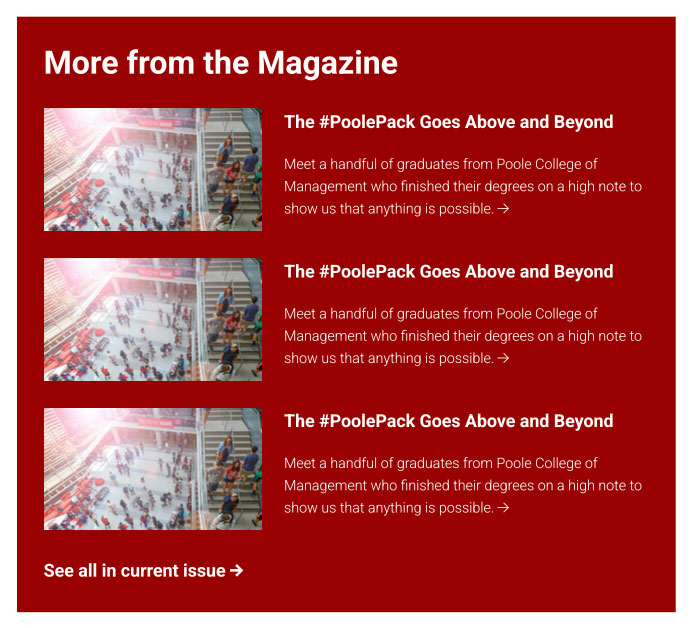
Magazine Preview

The Magazine Preview block is specially created for showcasing other content within a selected Magazine issue.

Categories:
Calls to Action, Post (Premium)

Related Stories

The Related Stories block is one of several ways to link out from a news post to other related stories. It is the quickest block for linking to related stories because it doesn't rely upon images or teaser text.

Categories:
Calls to Action, Post (Premium), Post (Pro)
Screenshot of the Spotlight Block

Spotlight Block

The Spotlight block provides content creators a visually interesting way to breakup long bodies of text while pointing their users to additional relevant content. It also affords site maintainers the opportunity to showcase unique photography.

Categories:
Calls to Action, Page (Premium), Page (Pro), Text, Visuals
Text Links

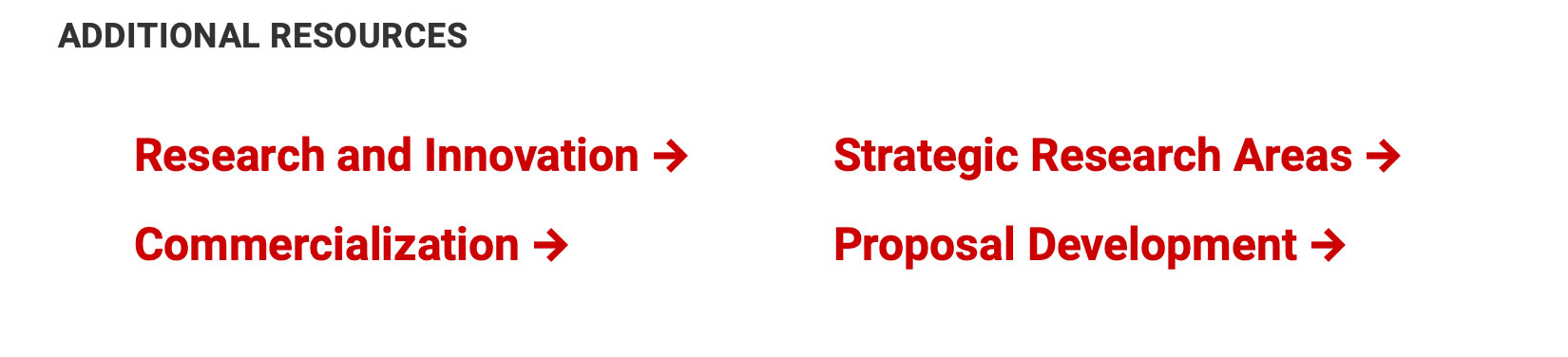
The Text Links block is most often used immediately below a paragraph block, and it provides a way to link out to resources that may have been discussed in the preceding paragraph(s).

Categories:
Calls to Action, Page (Free), Page (Premium), Page (Pro)