Blocks

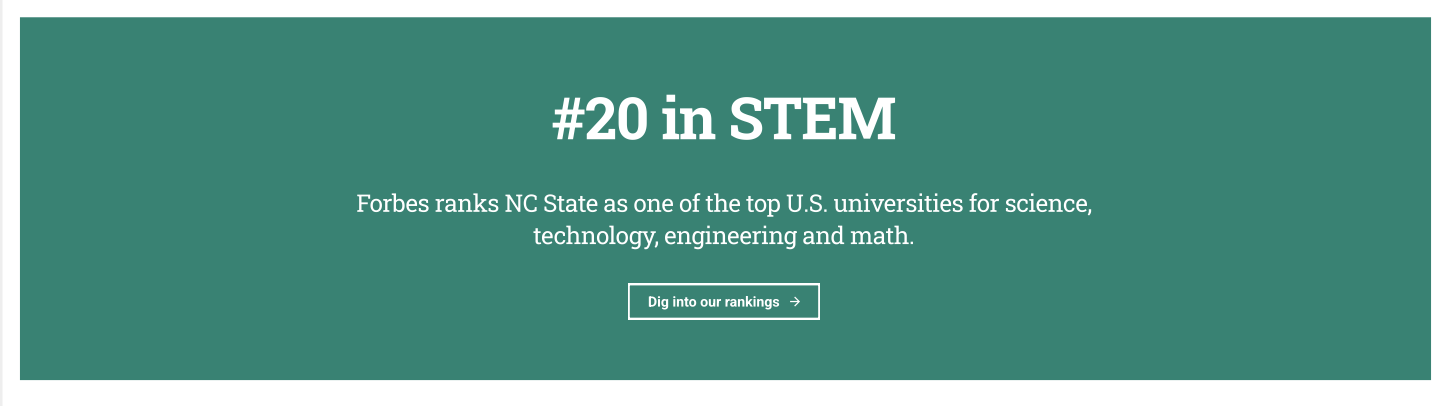
Big Fact

The Big Fact block is useful for drawing an audience's attention to an interesting and relevant fact to the theme of the page

Categories:
Landing Page Builder, Page (Premium), Page (Pro), Visuals

Button

The Button block is effective in grabbing a reader's attention at the end of paragraph or story.

Categories:
Calls to Action, Landing Page Builder, Page (Free), Page (Premium), Page (Pro), Post (Free), Post (Premium), Post (Pro)

Fact Row

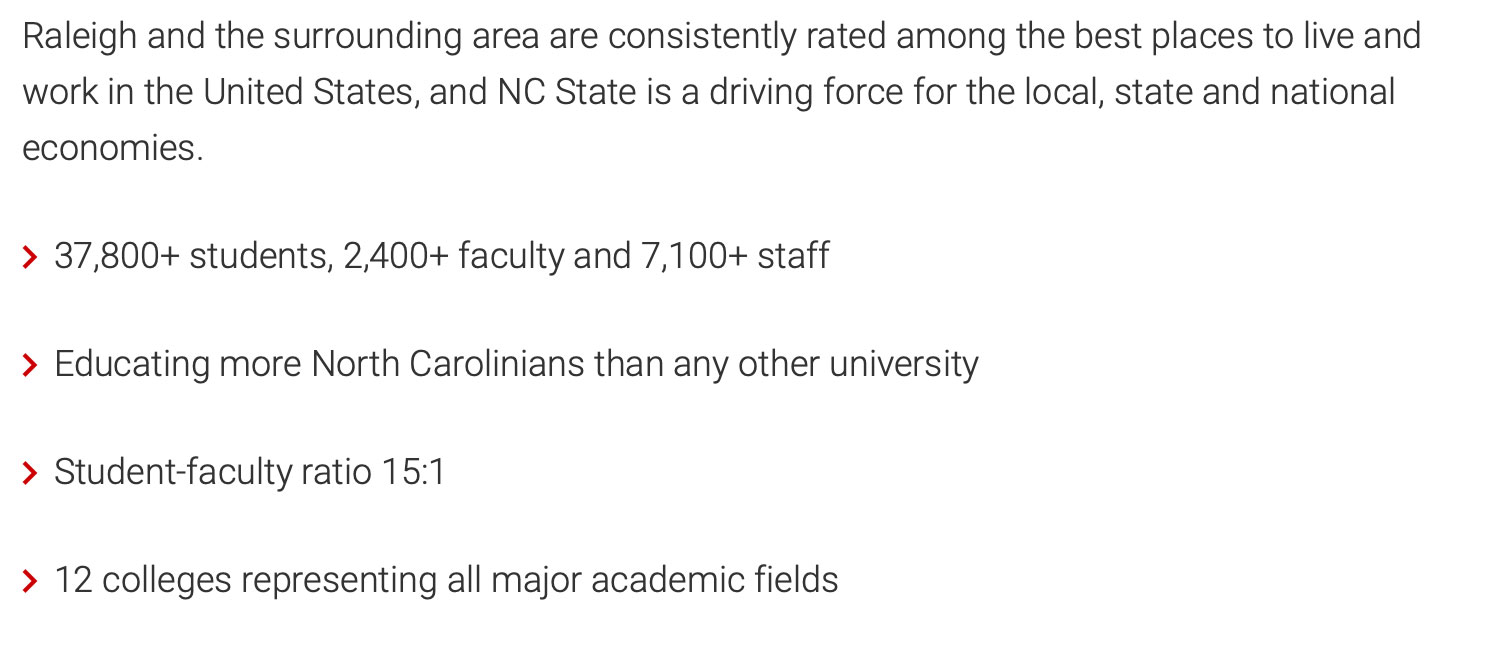
This block can provide information about rankings, statistics or other prominent facts. It's main purpose is to catch a user's eye as they skim a web page. It should contain information that site visitors must see before they navigate elsewhere.

Categories:
Immersive Post Template, Landing Page Builder, Page (Premium), Page (Pro), Post (Premium), Visuals

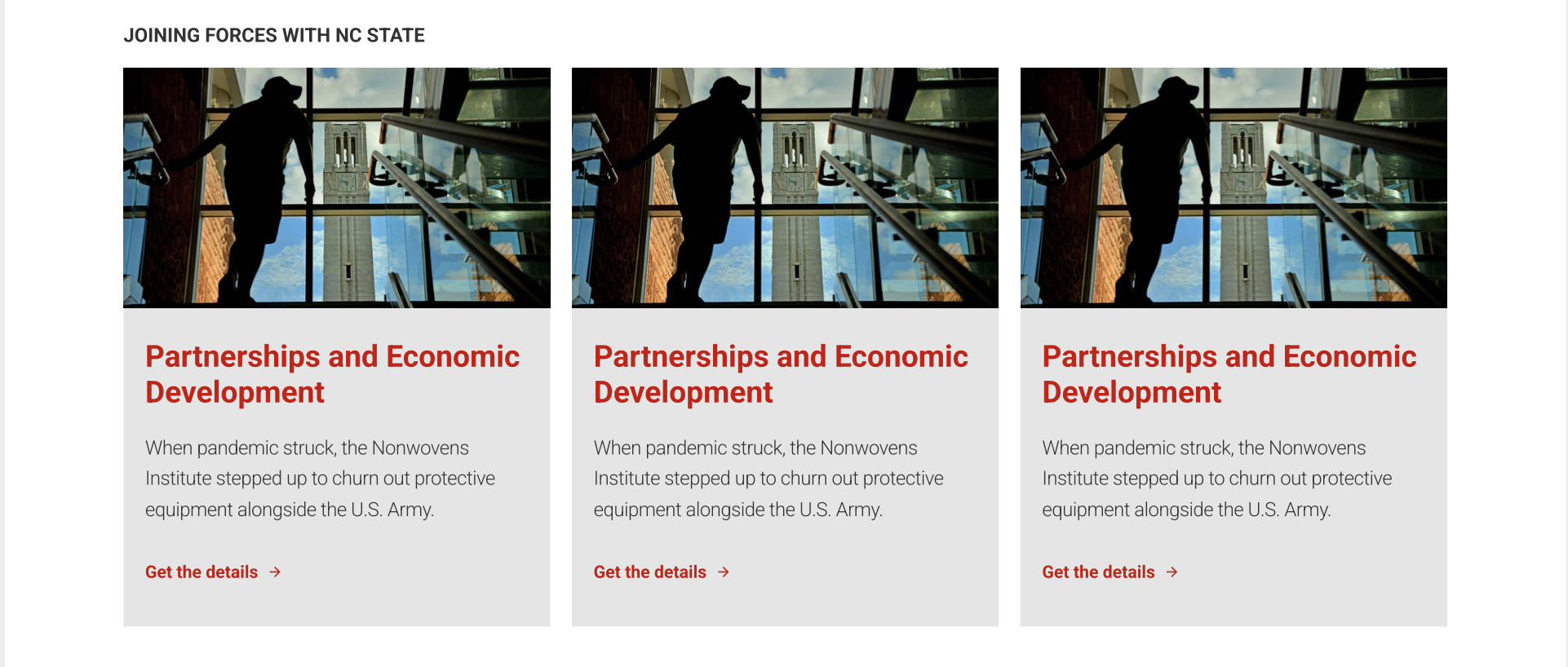
Featured Content

The Featured Content block is a useful tool for pointing users towards important, and sometimes timely, pages and stories across a site.

Categories:
Calls to Action, Landing Page Builder, Page (Free), Page (Premium), Page (Pro)

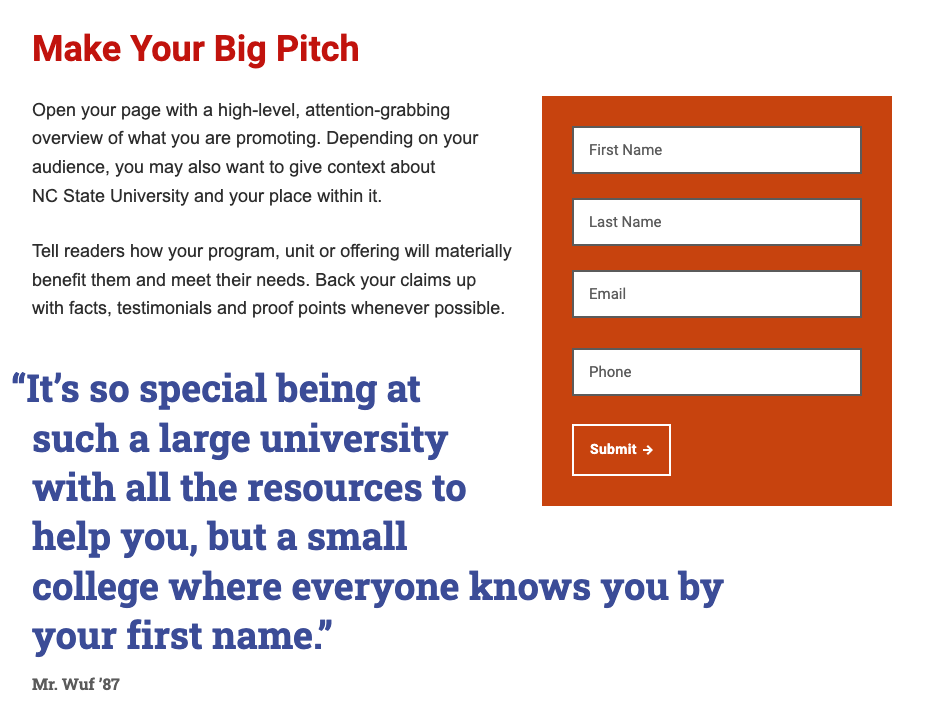
Floated Gravity Form

The Floated Gravity Form allows you to embed a colorful, eye-catching version of any Gravity Form on your landing page, “floated” to the side of your page content.

Categories:
Landing Page Builder

Heading

Headings help create structure on a page and allows users to navigate to the most pertinent section of a page with ease.

Categories:
Landing Page Builder, Page (Free), Page (Premium), Page (Pro), Post (Free), Post (Premium), Post (Pro), Text

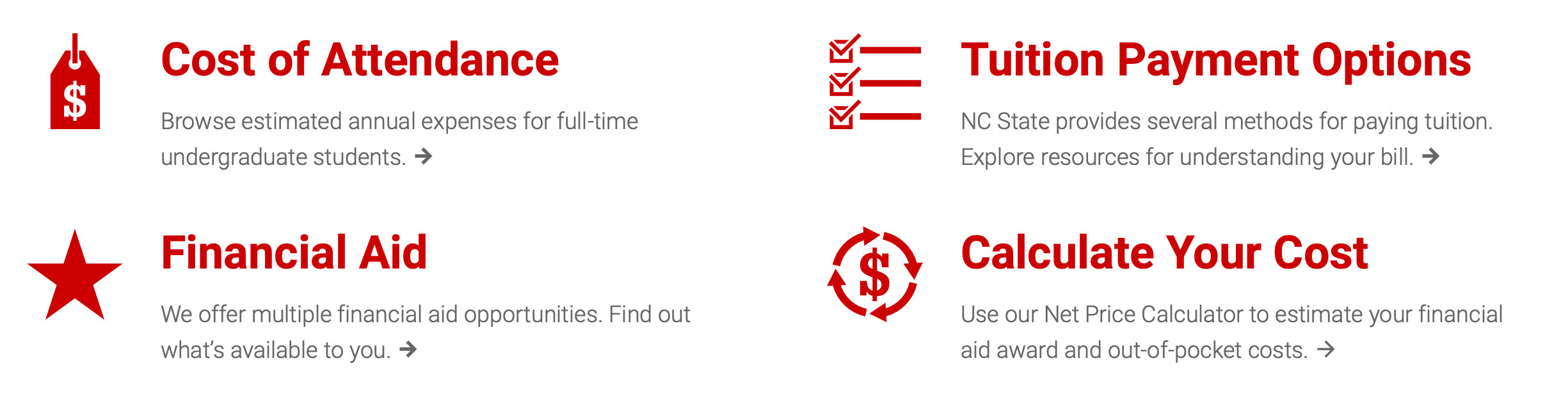
Icon Links

The Icon Links block allows content maintainers to build out a grid of related links that help catch a reader's attention via a spot illustration and custom headers.

Categories:
Calls to Action, Landing Page Builder, Page (Premium), Page (Pro)

Image

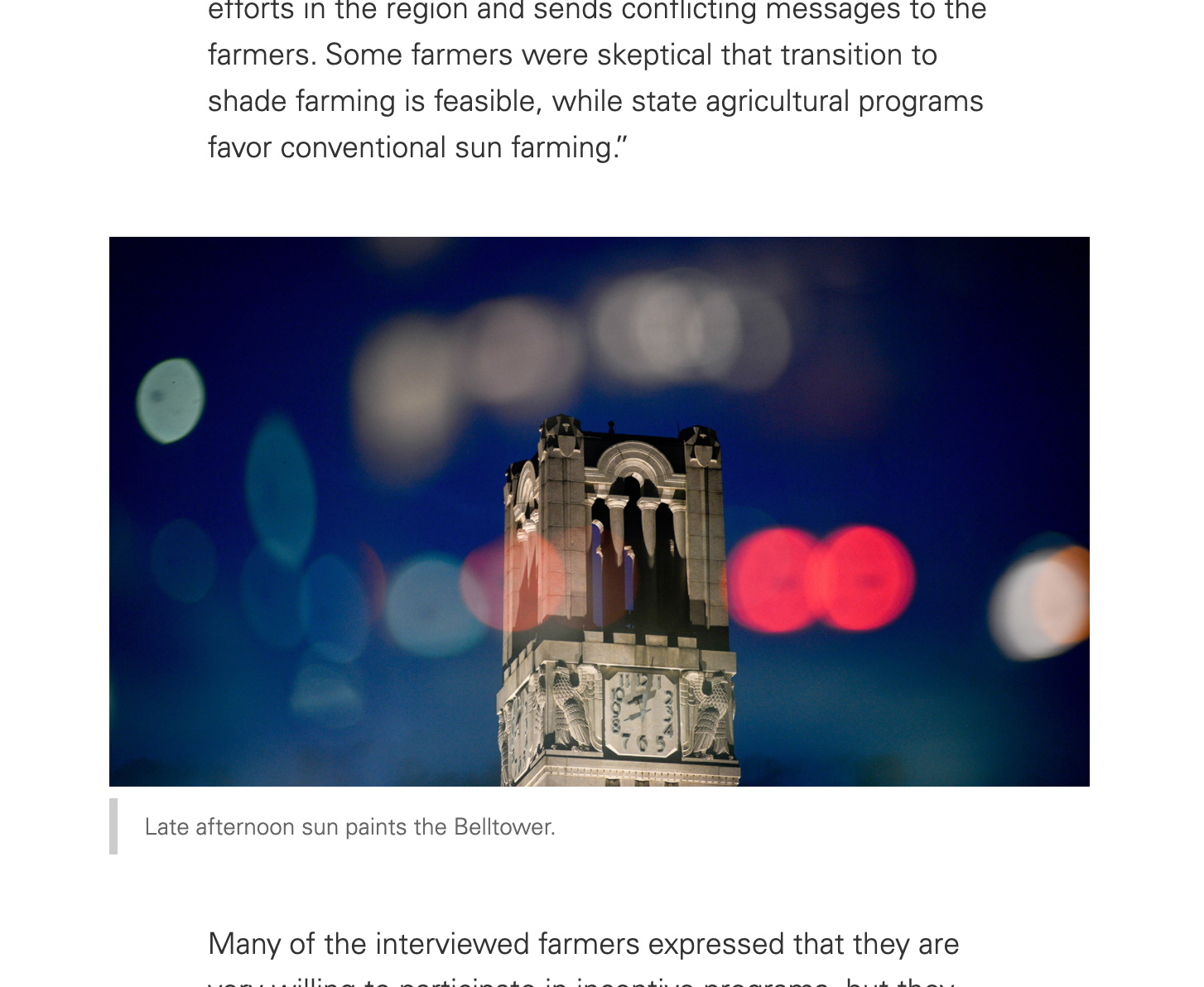
The image block allows content maintainers to add photos and other pieces of imagery to their site.

Categories:
Landing Page Builder, Page (Free), Page (Premium), Page (Pro), Post (Free), Post (Premium), Post (Pro), Visuals

List

When interspersed between paragraph blocks, the List block can help users more easily skim your content to find a specific piece of information.

Categories:
Landing Page Builder, Page (Free), Page (Premium), Page (Pro), Post (Free), Post (Premium), Post (Pro), Text

Paragraph

There isn't much to a paragraph block, but it plays an important role nonetheless within your web pages. The bulk of your content will be within paragraph blocks.

Categories:
Landing Page Builder, Page (Free), Page (Premium), Page (Pro), Post (Free), Post (Premium), Post (Pro), Text

Quote

The Quote block helps you provide testimonials from students, faculty, alumni and others affiliated with the university. It allows you to provide a different, third-party perspective to your website's users.

Categories:
Landing Page Builder, Page (Premium), Page (Pro), Visuals
Slate Form Embed

Slate Form Embed

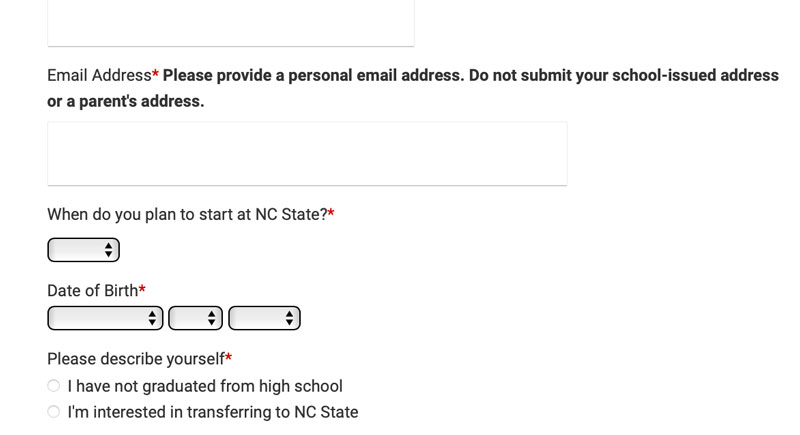
This block provides a streamlined way to embed a Slate form onto a page.

Categories:
Contact, Landing Page Builder, Page (Free), Page (Premium), Page (Pro)
Sticky Form Preview

Sticky Form

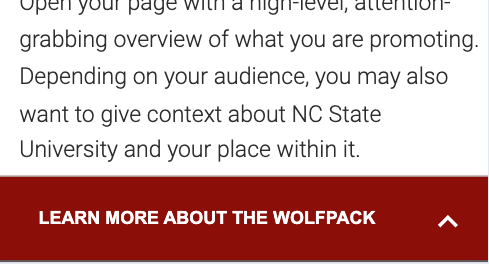
Visible to users on mobile devices only, the Sticky Form allows you to add an expandable form to your landing page that stays on the screen as your users scroll.

Categories:
Landing Page Builder

Table

Tables help you provide data and other structured information to users in an easy to read manner.

Categories:
Landing Page Builder, Page (Free), Page (Premium), Page (Pro), Post (Free), Post (Premium), Post (Pro), Text
Video

This blocks allows users to embed a YouTube video while also providing a cover image. It allows more customization than a standard YouTube or Vimeo embed block.

Categories:
Landing Page Builder, Page (Premium), Page (Pro), Post (Premium), Post (Pro), Visuals