Leadership
Specifying leadership individuals within groups can help users understand your organization's structure.
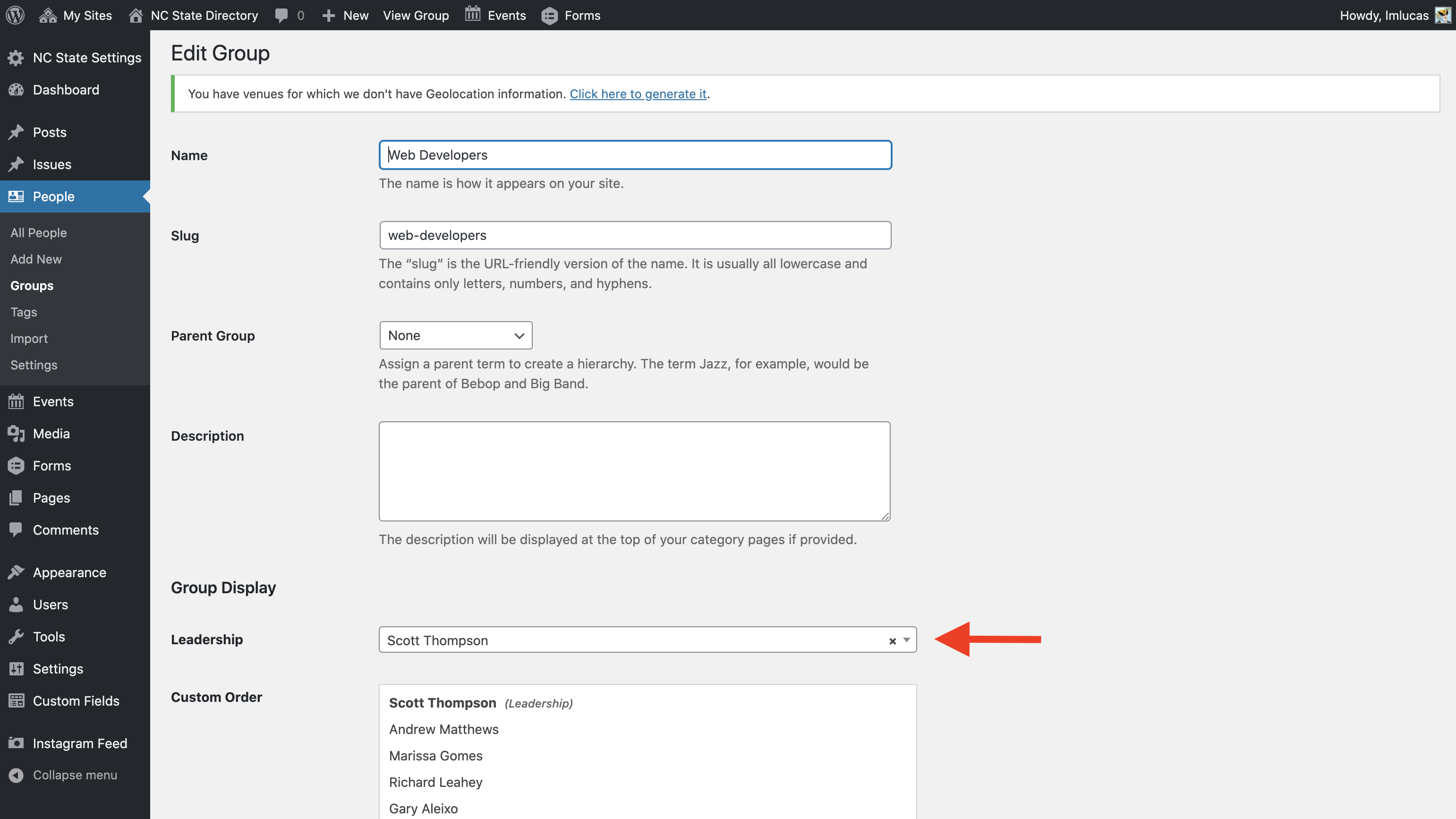
Individuals in leadership positions may be specified within a group by clicking “Edit” under the group listing, and then choosing a specific user from the “Leadership” dropdown on the next page. This individual will appear at the beginning of all directory listings when the view is organized by group.
Need help?
Have questions? Feel free to reach out with any questions or concerns at go.ncsu.edu/ucomm-dev-request.