Introducing the New Analytics Report Feature
Discover how the new Analytics Report in NC State Theme v4.6 provides instant insights into your site's performance, right from your dashboard.
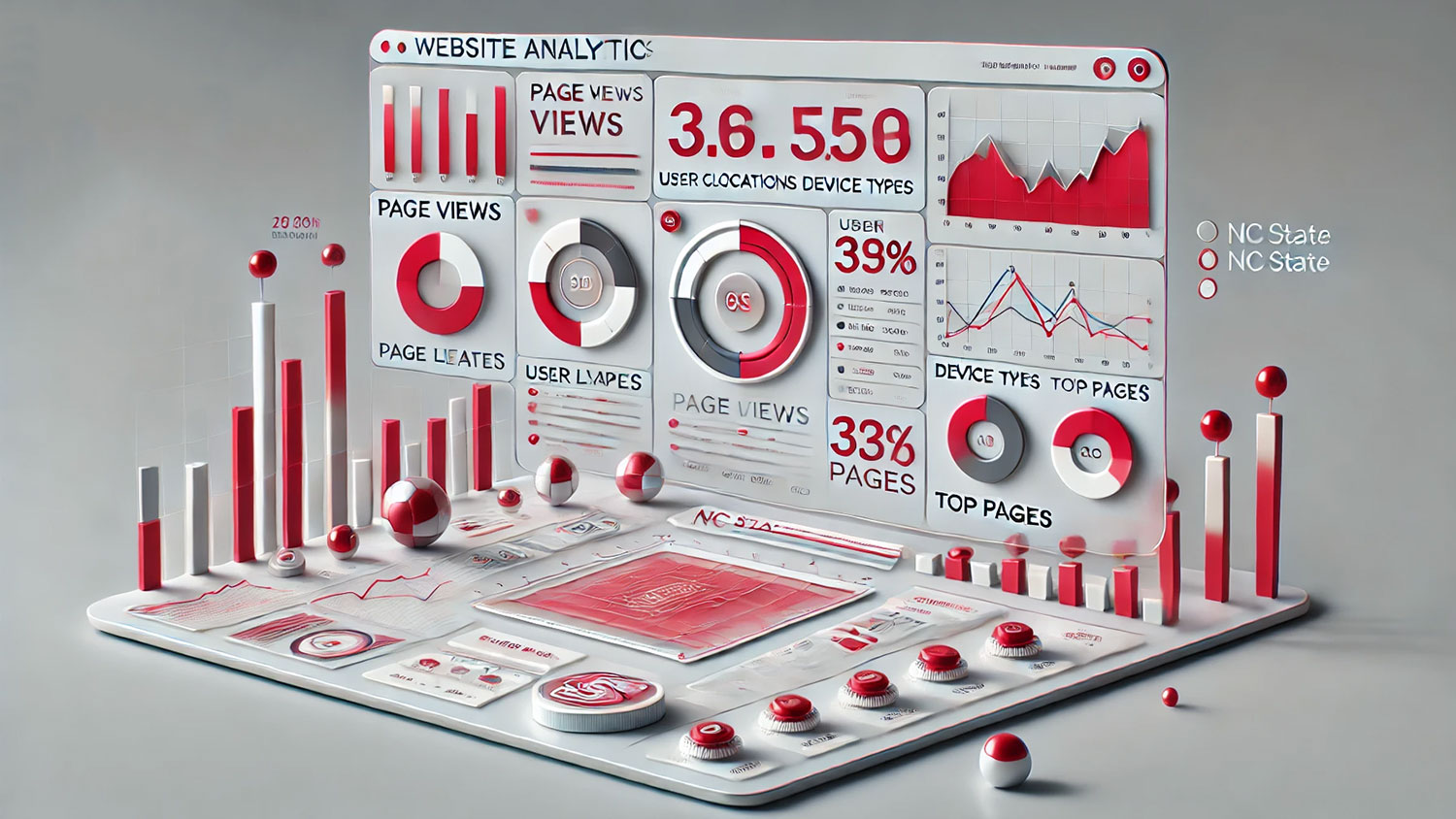
We’re excited to announce the new Analytics Report feature, now available in the NC State Theme v4.6. This powerful tool allows you to easily access and review key metrics about your site directly from the WordPress dashboard, using data automatically collected via Google Analytics 4 (GA4). Designed to provide a quick overview of your site’s performance, the report is filtered specifically to show your site’s analytics, making it a convenient starting point for understanding user behavior.
The Analytics Report includes top-level vanity metrics like page views and sessions, as well as detailed insights about your audience—such as device types, user locations, preferred languages, and the top pages and landing pages. You can filter this data by a date range of your choice, allowing you to focus on specific periods of time that matter most to your site’s goals.

While this built-in report gives you a solid starting point, more in-depth data and analysis will require setting up your own custom analytics tools. We recommend using Google Analytics 4 and Microsoft Clarity to take a deeper dive into user behavior, heatmaps, and session recordings. For step-by-step guidance on setting up these tools, visit the analytics section of the documentation site..
This new feature helps streamline your workflow by giving you instant insights, so you can monitor your site’s performance and make informed decisions without leaving your dashboard. It’s another way the NC State Theme is simplifying content management while providing essential tools to help you succeed.
- Categories: