Events Block
Overview
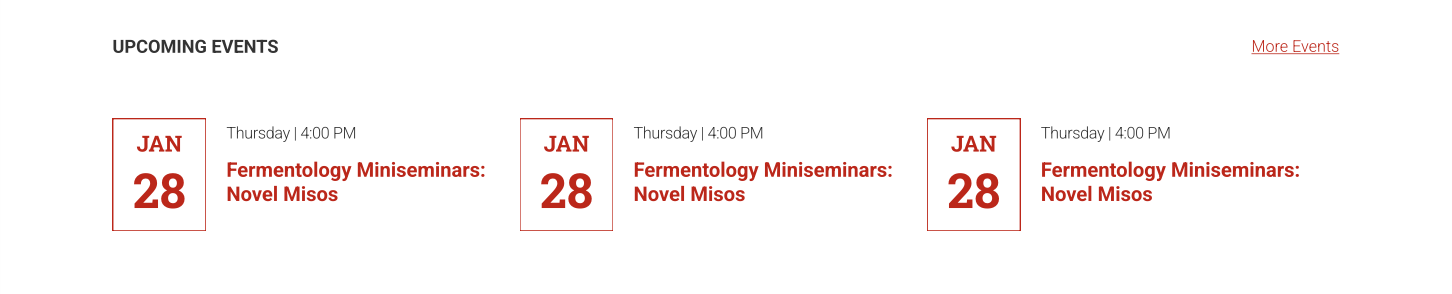
By default this block will display the next three events on your calendar, but can also support . It can pull data from Localist (the University Calendar) or The Events Calendar plugin. The Events Calendar plugin allows you to import events from Google Calendars and other calendaring platforms.
With both Localist and The Events Calendar, you can filter what types of events to display. This will allow you to display events for a specific topic such as research seminars or outreach events on a relevant page of your site.
Additional Styling for the University Calendar
The Events block also offers additional functionality and styling with enhanced integration into the University Calendar. When using a Localist event source one can change the block styles, update the background color and feature a “Load More” stories button.

Similar Blocks
Oftentimes it is necessary to display dates and deadlines on an academic website. The Events block is not well suited for this use case since there are often more than three deadlines that need to be listed.
A table block can be a good alternative for dates and deadlines. It will allow you to display deadlines in a more compact manner. Just make sure to review your table on a mobile device to make sure it is legible for users who are accessing your site from a phone.
Need help?
Have questions? Feel free to reach out with any questions or concerns at go.ncsu.edu/ucomm-dev-request.