NC State Theme Release v4.15
This release includes many new features including Mega Menu, new Events block display options, media clips functionality and much more.

Mega Menu Releasing in Beta
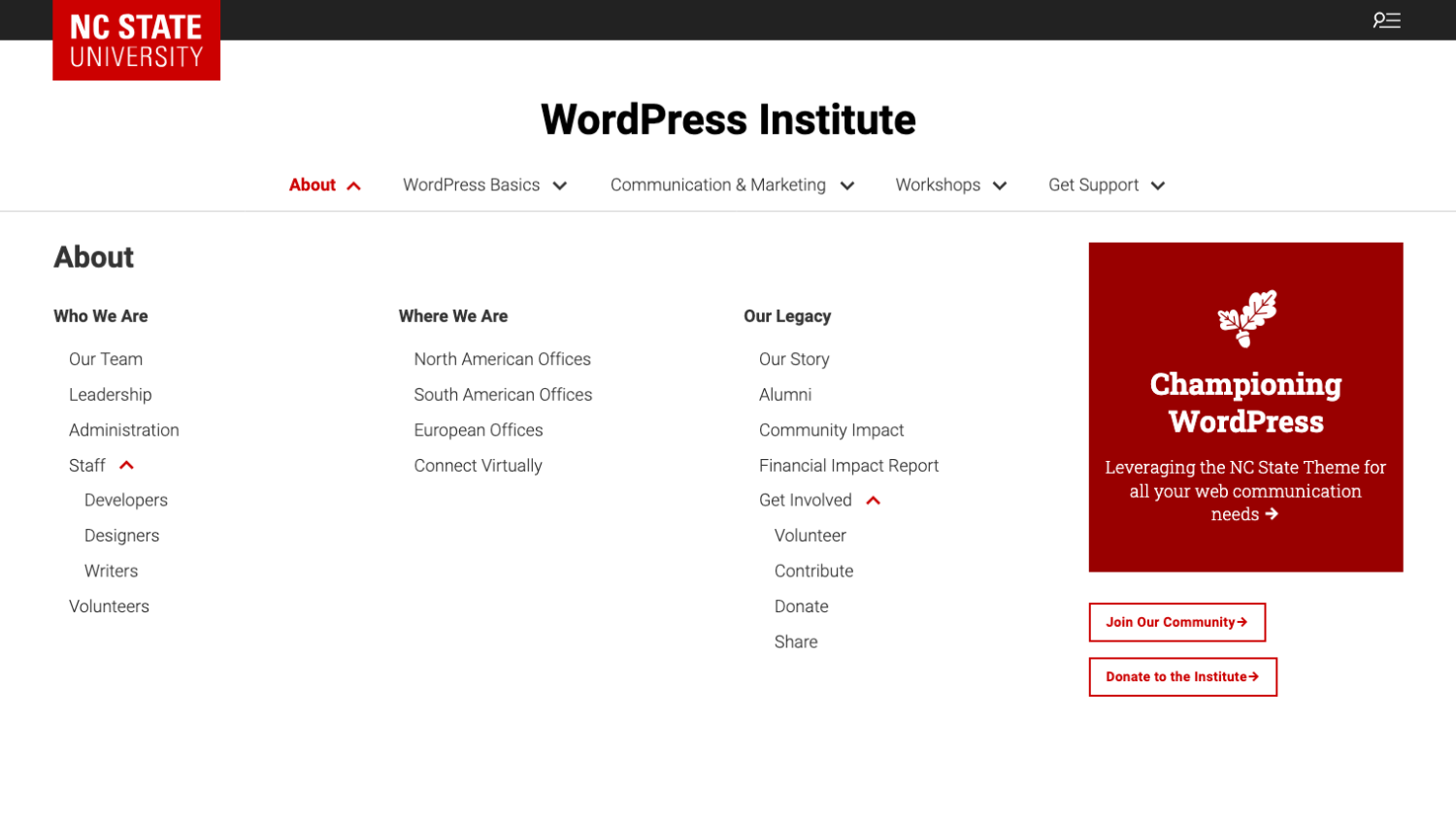
A new Mega Menu for the NC State Theme provides an expanded alternative to the traditional website navigation. Instead of displaying a simple dropdown list, the Mega Menu opens a large panel that can organize links into multiple columns with headings and grouped sections. This structure helps users quickly scan available content and navigate complex websites. This feature is currently in beta, but is now available on sites running the Premium Add-on.
New Layout Option within Events Block
The Events block has a new layout option that includes deeper integration with the University Calendar. Users can now display up to nine upcoming events using the block. The block now automatically includes widget-only events. Widget-only events allow an organizer to add an event to calendar.ncsu.edu but only have it appear on their own websites rather than the entire University Calendar. This can be a good option for groups that are looking to consolidate their calendaring into one solution rather than also leveraging Google Calendar or a plugin such as The Events Calendar.

Statement Style Variation for Paragraph Blocks
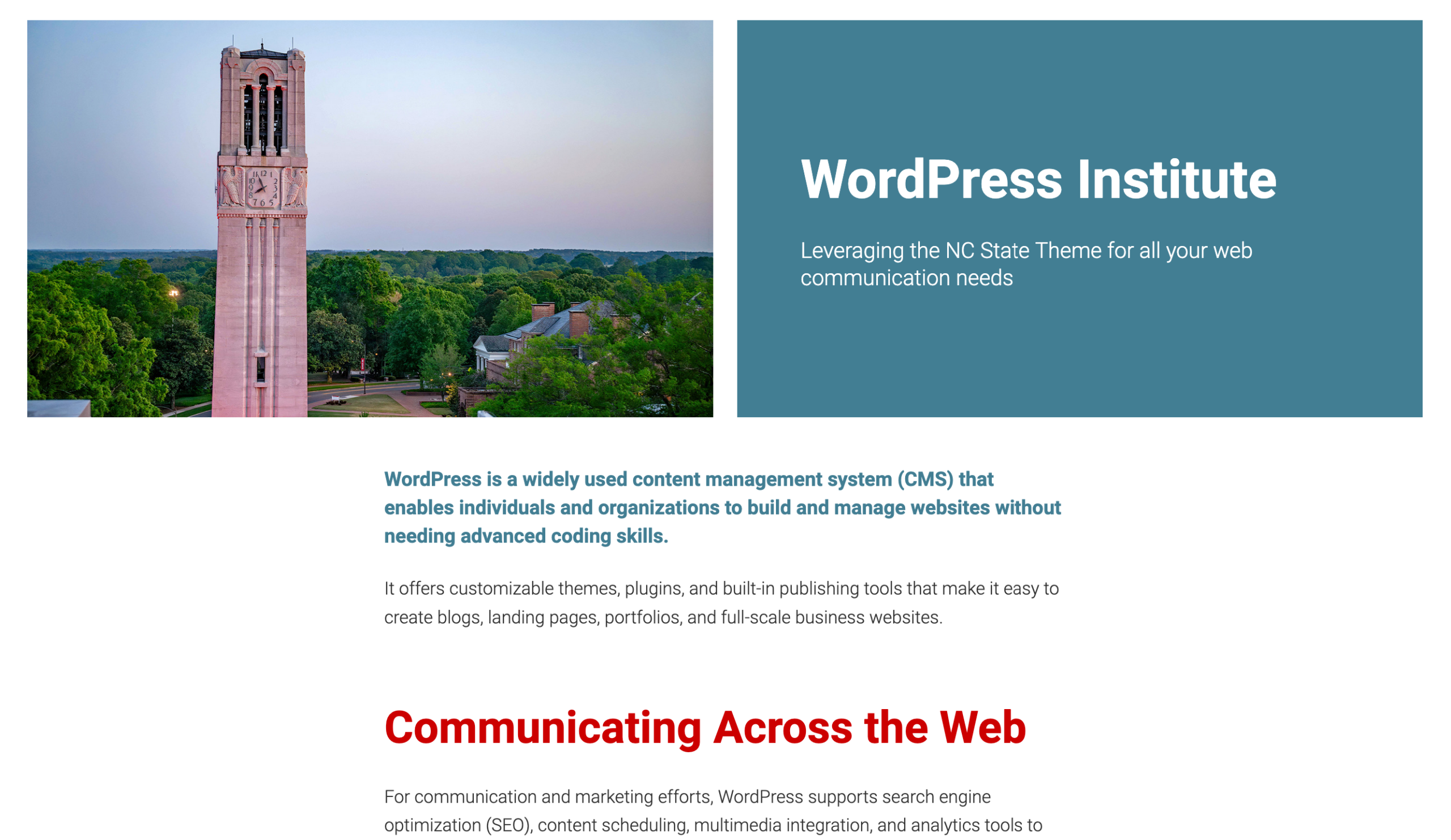
A new style variation has been added to Paragraph blocks within Pages and Posts, giving editors the ability to apply larger text with increased font weight. This option also allows selection of a font color from the site’s approved brand color palette.
In the News Post Type
Does your college or unit regularly appear in the news? The NC State Theme now includes a dedicated In the News custom post type, making it easy to showcase media mentions right on your website. Add each mention’s headline, publication name, date, and link — then let visitors browse your full coverage archive or feature recent mentions on your homepage. It’s a great way to highlight the subject matter experts and research putting NC State in the spotlight. Read the full documentation to get started.
Multiple Resources Post Types Now Possible
The Resources post type is a great way to provide a filterable and searchable database for users. Sites have been able to have a single resources database since the release of v4 of the NC State Theme, but now up to four Resources databases can be created.
If you’re unfamiliar with this post type, you can take a look on wellness.ncsu.edu and our documentation site. More details are available in the Resources post type documentation article.
Additional Table Formatting Options Available
For large and complex tables, the Ninja Tables plugin can be used with the NC State Theme. Additional formatting options have been included in this release so that tables can be displayed in a wider format on pages.
Other Features
- Accordions now have the ability to add anchors to the specific Accordion Item subblock.
- Blocks that include images now have an alert regarding missing alt text. This appears in the sidebar inspector if they did not already have an alert.
- Added an option to not use any image for the giving button — this makes it text only. This is only available in unbranded theme settings.
- Updated the WolfAlert to use a new JavaScript-based implementation rather than relying on PHP to load the bar.
- Added a close button to the Thumbnail Gallery block’s lightbox.
Quality of Life Enhancements
- Reorganized the blade partials into sub directories and updated the references to those blades.
- Updated the Contact Us block to be more consistent with similar blocks. Updated background colors and renamed the block when used as a sub-block within Fancy Paragraph.
- Made several accessibility updates to the Archive and Post Search block to address issues from Pope Tech.
- Updated the Thumbnail Gallery block to improve accessibility and have the thumbnails include alt text.
- Updated the Button block’s text warning length from 16 characters to 30 characters. This is to encourage more descriptive button text.
- Update the HTML for post titles listed on archive pages so heading level 2 is no longer skipped.
Bug Fixes
- Removed the ‘is-selected’ padding that displayed when the Featured People block was selected in the editor. This was causing visual issues.
- Updated the Thumbnail Gallery block to reduce the times when the captions get cut off if there is a tall image.
Full release notes can be found in GitHub. If you do not have but would like access to these technical release notes, please email wordpress@help.ncsu.edu.
- Categories: